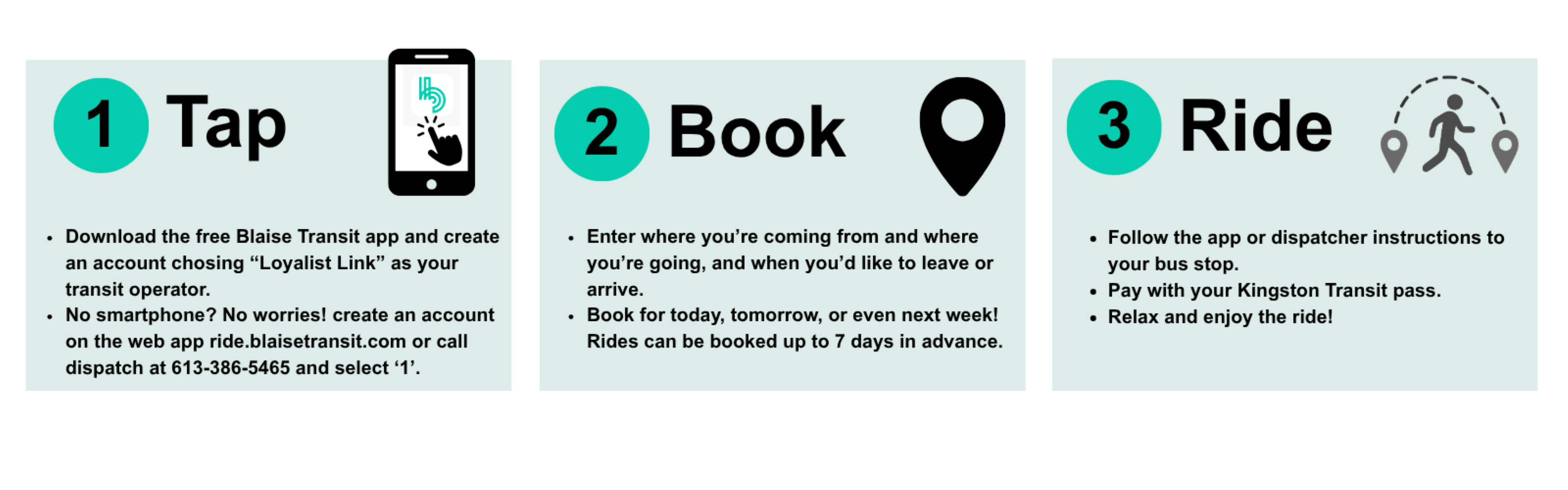
- Download the free Blaise Transit app from the App Store or Google Play on your smartphone.
- Create an account or log in to your existing account.
- Select Loyalist Link as your transit operator.
- Book your trip for today, tomorrow or even next week! Your trip will be confirmed within 2 minutes.
- Trip details are confirmed at least 30 minutes before the requested trip time. Follow the directions on the app to your pick-up stop.
Tips for booking:
- Turn your location on, so that the Blaise App can find Loyalist Link as your transit provider.
- Allow push notifications from the app; you will receive ride notifications including confirmation.
- For payment method, Smart Card = Kingston Transit fare product (transit card or pass). The bus will NOT accept cash.
- When your trip is confirmed it will provide you with your pick-up time. Trip details like specific pick-up and drop-off stops, and length of trip will be confirmed 30 minutes before the ride begins.
- You can also "start your trip" in the app and view the vehicle's location in real time as it approaches you.
- Trip details will say that payment method will be cash; this is an error that is being fixed. Payment for your ride will be your Kingston Transit card or pass.